Best Hotel Lobby AI video generators compared: how to choose
Hotel lobby AI video generators compared on inputs, output specs, price and audio. Facts read from official pages on October 4, 2026.
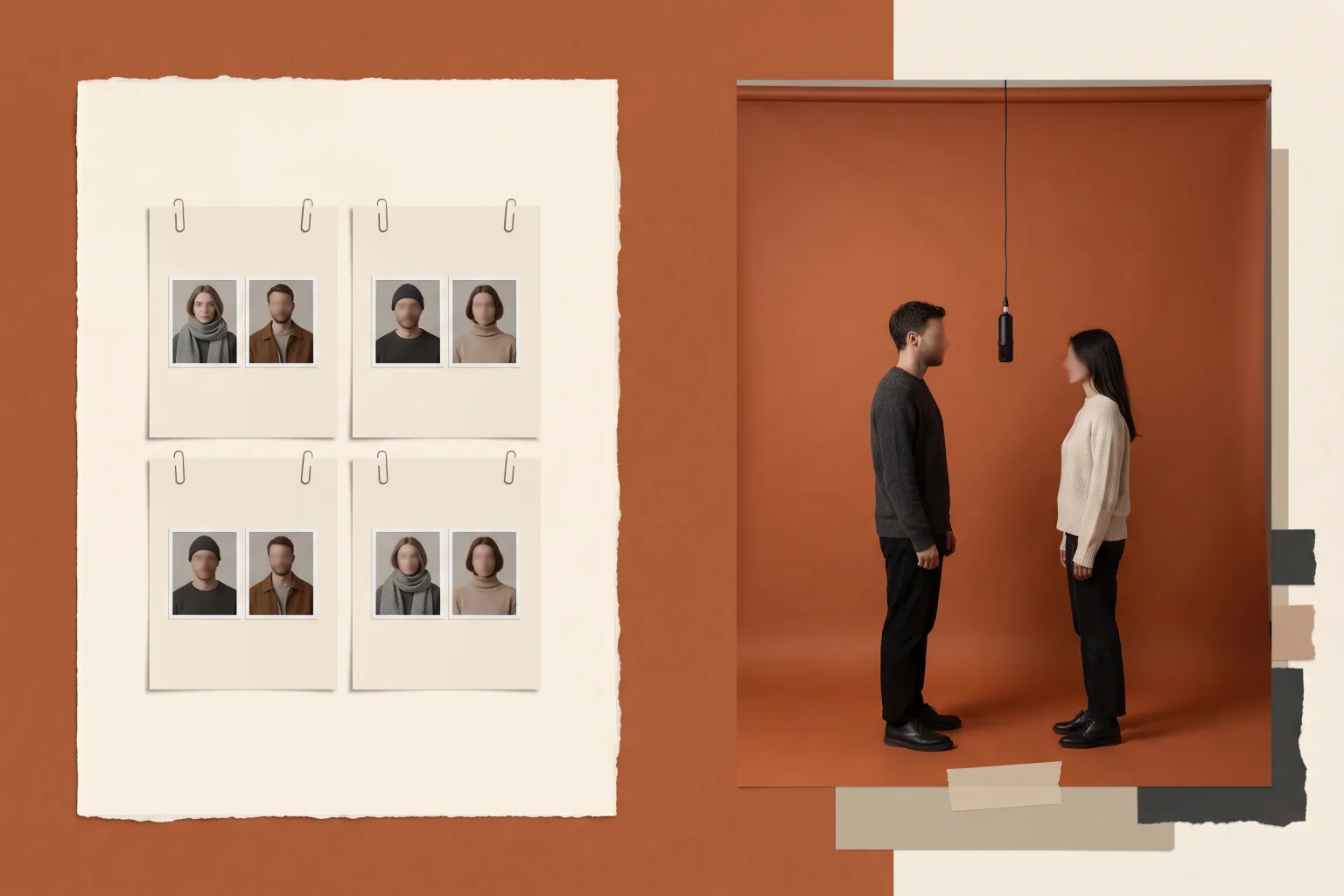
Every hotel lobby AI video generator works from the same recipe: two photos, one assigned to each side of the frame, generated into the orange-booth performance scene from the A COLORS SHOW clip. What separates the tools is how much you control the scene, how long the clip runs, what it costs to start, and what happens to your money when a generation fails.
This guide compares five options that were live on October 4, 2026: this site's Studio, hotellobby.ai, Mitte, Dreamina, and Media.io. Every competitor fact below comes from that service's own pages on that date. Where a service does not publish a fact, and several do not publish prices, the comparison says "not stated" instead of guessing.
Disclosure: we operate Hotel Lobby AI, so treat us as an interested party. We have generated with our own product; we have not hands-on tested the other four. This page compares published facts, not output quality, and it does not rank the five. If quality is what you care about, the checklist near the end explains what to verify before you pay any of them.
The short version: for the simplest path, pick a fixed-scene studio. Ours makes 10-second clips in portrait or landscape, with packs from $19.90. hotellobby.ai makes 15-second landscape clips from 14 templates, with packs from $9.90. If you want to write your own scene instructions, Dreamina runs the trend on its Seedance 2.5 model with a prompt box. If you specifically want the full 30-second performance, Mitte sells exactly that on a plan whose price is not listed on its page. Media.io publishes the least spec detail of the five.
What the trend asks of a generator
The trend recreates a specific scene: two performers in a matte-orange room, a black microphone hanging between them, trading verses. Our explainer on where Hotel Lobby AI came from covers the origin, Quavo and Takeoff performing "Hotel Lobby" on A COLORS SHOW, and how the format spread. Watching the original performance once is useful even if you never generate anything; it calibrates what every tool in this list is trying to reproduce.
Any generator serving this trend has to solve the same problems: keep each subject visually distinct, keep them on their assigned side, hold the booth composition steady for the length of the clip, and ship audio you can post. The five differ in how much of that they automate and how much they leave to you.
How we compared
We read each service's official trend page, plus its pricing page where one is linked, on October 4, 2026, and recorded only what those pages state:
- Inputs: how many photos, file limits, whether a text prompt is required or optional, and whether a reference video is needed.
- Output: clip length, aspect ratio, resolution options, and audio.
- Cost: the smallest amount you can pay to start, and the per-video cost where it is stated.
- Guardrails: watermark policy, refund treatment for failed generations, and how long your files are kept.
Two things this comparison deliberately does not do. It does not rank output quality, because we have not run the same reference photos through all five services, and a handful of test renders would not be a fair basis for rankings anyway. It also does not sort by price alone, because the services structure costs differently: per-video credits, monthly subscriptions, and a plan priced only at checkout.
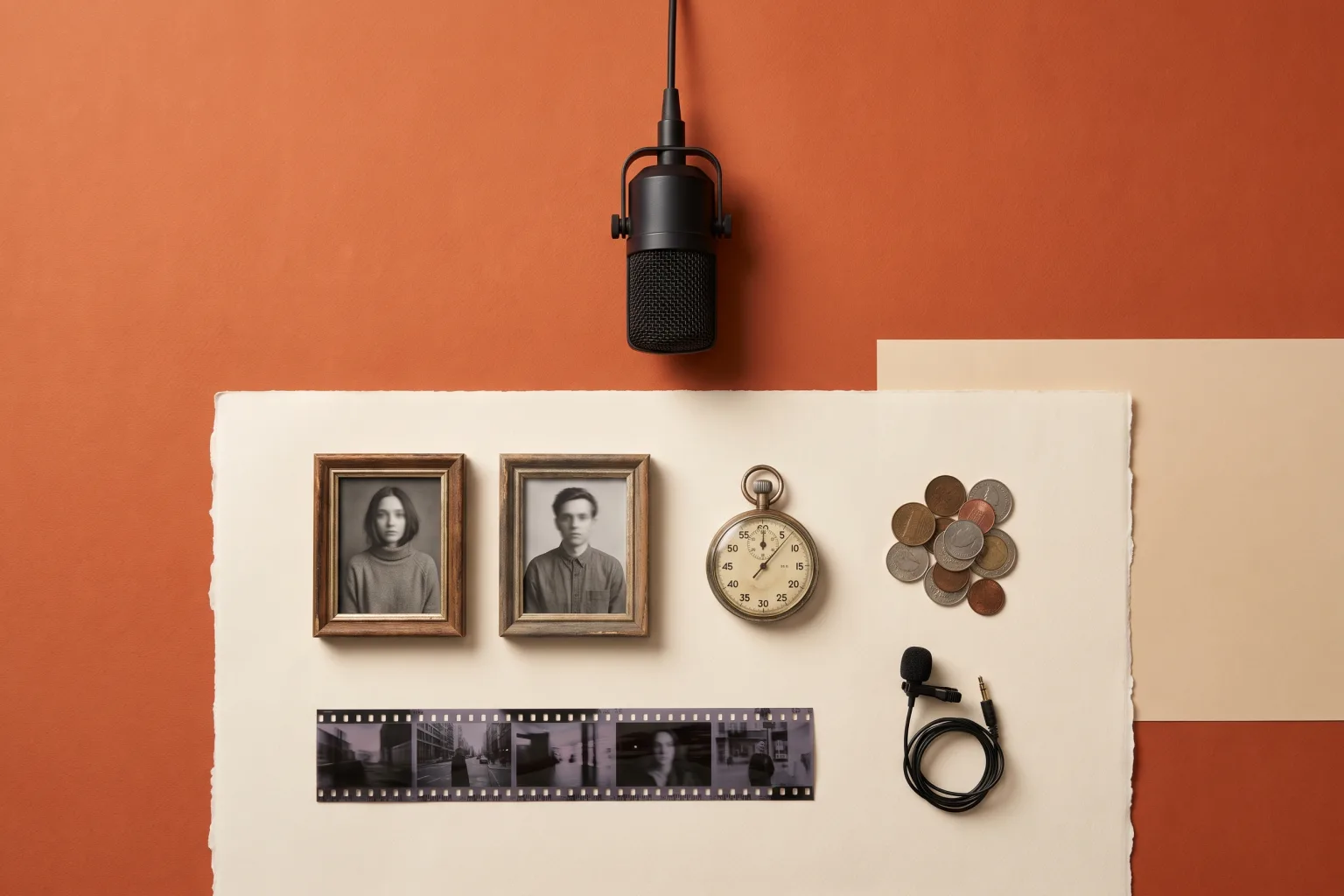
The four things worth checking before paying: inputs, clip length, cost structure, and audio. Teaching illustration, not screenshots of the compared services.
The five options
Hotel Lobby AI (this site)
The Studio is a fixed-scene workflow. You upload two photos (PNG, JPEG, or WebP, up to 15 MB each), place them in the left and right slots, choose 16:9 or 9:16, and pick a model. There is no prompt box; the orange-booth scene instructions are already prepared. That keeps the flow short, and it also means you cannot rewrite the scene.
Output is a 10-second clip. The Basic model costs 80 credits at 768P or 130 credits at 2K; the Premium model runs 170 to 950 credits from 480P to 1080P. One-time credit packs start at $19.90 for 400 credits, credits do not expire, and a confirmed failed generation returns its deducted credits. The download includes the COLORS performance music by default.
Our step-by-step walkthrough covers the whole flow from photo prep to TikTok upload, and the templates gallery shows pairing ideas before you spend any credits.
hotellobby.ai
This is the site built for exactly this one format. Like this site, it is a two-photo fixed workflow: upload one photo per side (JPG, PNG, or WebP, up to 8 MB, and the page asks for "one clearly visible adult or animal per image"), pick one of 14 templates, choose a quality tier, and generate. Clips run 15 seconds in 16:9 at 480p, 720p, or 1080p, with the selected template's soundtrack restored.
Pricing is credit-based: 20 credits per video at 480p, 45 at 720p, and 80 at 1080p, with packs from $9.90 for 50 credits. Credits never expire, and failed or blocked generations are refunded as credits. The page does not mention a free tier or a watermark, and finished videos are kept for 7 days. Rather than claiming a first-party model, the site references third-party model documentation, including wan 3.0 and Seedance 2.5, for its processing.
Mitte
Mitte sells one specific thing: the full 30-second COLORS performance with your two people in it. You upload a photo per side and can optionally add a short clothing note per person; the page cites "Left: white tracksuit" as a good length. The audio is the original recording, and the page states that the original voices stay in place no matter who you cast.
A paid plan is required, but the page lists no prices. Aspect ratio and resolution are not stated either. The page sets expectations honestly: generation takes a while because it is 30 seconds of two-person video, and runs differ, so Mitte suggests generating twice.
Dreamina
CapCut's Dreamina treats the trend as a prompt-led job on its Seedance 2.5 model. You upload two photos, fix each subject to a side, and paste one complete scene prompt; the page supplies copy-paste examples. The trend workflow is 9:16 vertical, the example prompts run 15 seconds, and paid plans can extend clip length and add lip-synced audio.
This is the subscription option. Monthly plans start at $15 for the Basic tier after a $1.50 first month, and Seedance 2.5 usage is advertised from $0.04 per second on yearly billing. The page says paid plans remove the Dreamina watermark from downloads, which implies that free downloads carry one. Exact free-tier limits are not stated, and final pricing sits behind sign-in. If writing your own scene is the point, our video prompt recipes are built for exactly this kind of tool.
Media.io
Wondershare's Media.io has a trend page for the format: upload two photos with one subject each, generate a 9:16 vertical performance, then check the identity order, gestures, feet, and the locked-off camera. Beyond that, the page states no clip length, resolution, audio spec, model name, or prices. A banner advertising "first subscription up to 50% off" is the only pricing hint we could find. If you are already inside that ecosystem, treat your first paid action as fact-finding: confirm length, audio, watermark, and total price inside the product before committing to a plan.
Side by side
What each service asks you to prepare, from official pages on October 4, 2026:
| Service | Photos | Prompt writing | Reference video |
|---|---|---|---|
| Hotel Lobby AI (this site) | Two, up to 15 MB each (PNG/JPEG/WebP) | None, fixed scene | No |
| hotellobby.ai | Two, up to 8 MB (JPG/PNG/WebP); adults or animals | None, 14 templates | No |
| Mitte | Two, plus optional clothing notes | Optional, per person | No |
| Dreamina | Two, plus one complete scene prompt | Required | No |
| Media.io | Two, one subject each | Referenced, text unpublished | Not stated |
What each service produces and charges, same date and sources:
| Service | Length | Format | Audio | Cost to start | Watermark |
|---|---|---|---|---|---|
| Hotel Lobby AI (this site) | 10 seconds | 16:9 or 9:16; 768P to 2K (Basic), 480P to 1080P (Premium) | COLORS performance music included | $19.90 for 400 credits | Not added by us |
| hotellobby.ai | 15 seconds | 16:9; 480p, 720p, or 1080p | Template soundtrack | $9.90 for 50 credits | Not stated |
| Mitte | 30 seconds | Not stated | Original recording | Plan required; price not on page | Not stated |
| Dreamina | Around 15 s in examples; extendable on paid plans | 9:16 | Lip sync on paid plans | $1.50 first month, then from $15/month | Removed on paid plans |
| Media.io | Not stated | 9:16 | Not stated | Not stated | Not stated |
"Not stated" means we could not verify it on the pages we read on October 4, 2026. Pages change, so check the live page before you pay.
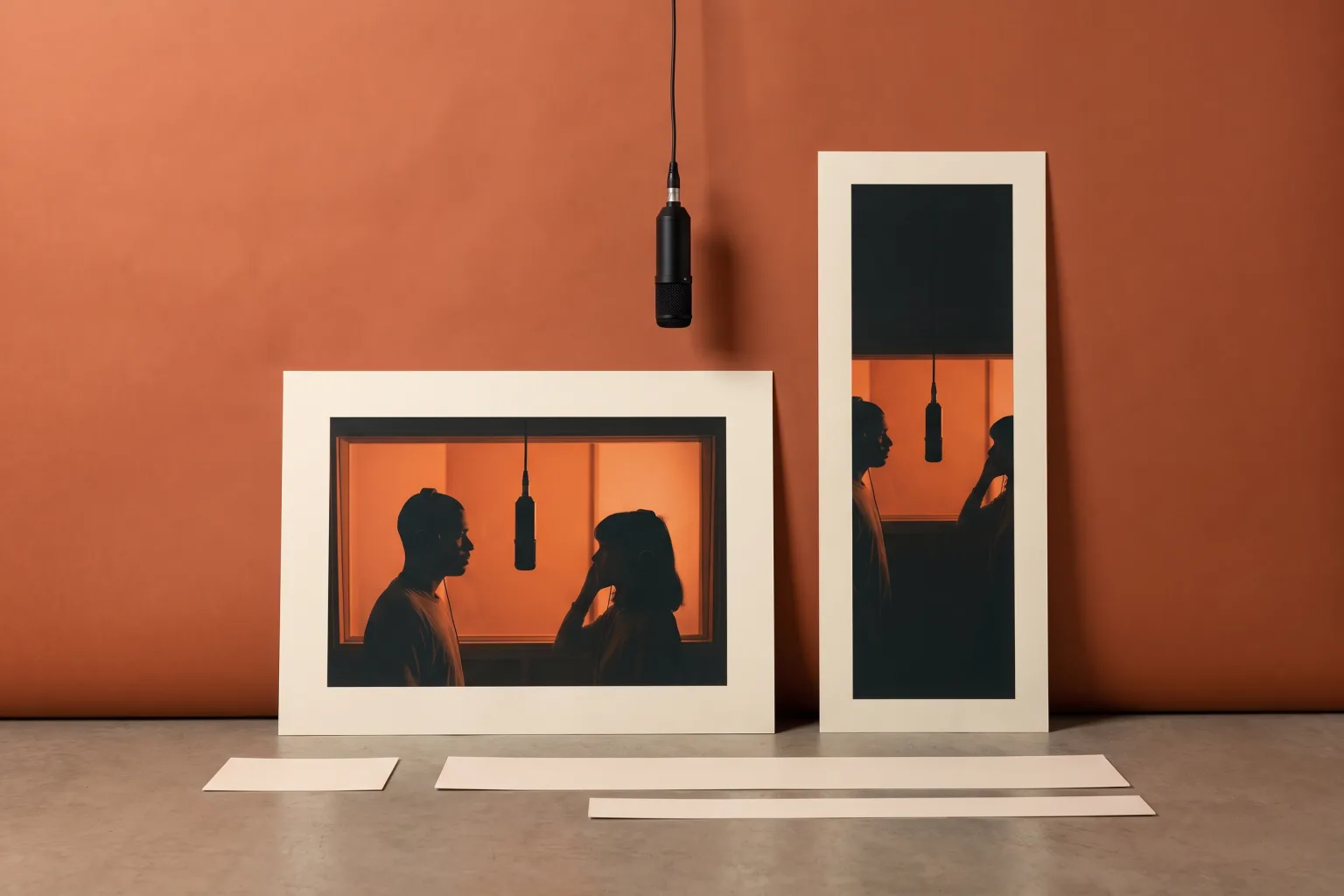
Aspect ratio and duration are the two specs that decide where a clip can be posted, and they differ across all five tools. Teaching illustration.
What the first video costs, worked out
This is our arithmetic from the published rates above, not an official claim from any service:
- This site: $19.90 buys 400 credits. A Basic 768P video costs 80 credits, so the smallest pack covers five attempts, about $3.98 per video. The same pack also covers two Premium 480P attempts (170 credits each) with 60 credits left over.
- hotellobby.ai: $9.90 buys 50 credits. That covers two 480p videos (20 credits each) with 10 credits to spare, or one 720p video (45 credits). The 1080p tier at 80 credits needs a larger pack.
- Dreamina: the entry cost is a subscription plus usage. It is $15 per month after the $1.50 first month, with Seedance 2.5 advertised from $0.04 per second on yearly billing. At that rate a 15-second clip is roughly $0.60 of usage; the monthly fee dominates unless you generate a lot.
- Mitte and Media.io: cannot be worked out from their pages, because neither publishes prices where we read them.
Two footnotes to that math. First, per-video cost says nothing about how many attempts you will want. Runs vary, and Mitte says so on its own page, so budget for more than one generation. Second, a subscription that looks cheap per clip still bills every month. If the trend is a one-week experiment for you, a one-time pack is the lower-commitment buy; our pricing is packs only, and unused credits do not expire.
How to choose, by what you actually want
"I don't want to write anything." Use a fixed-scene studio: this site or hotellobby.ai. The tradeoffs between the two are concrete. We generate 10 seconds in your choice of 16:9 or 9:16; hotellobby.ai generates 15 seconds in 16:9 only. Their entry pack is cheaper ($9.90 versus $19.90), and their templates span more scenes than our single booth. If TikTok is the destination, generating in 9:16 here saves a cropping step; a 15-second landscape clip suits a feed post or YouTube better.
Pets. hotellobby.ai states animals explicitly. Our Studio accepts pet references too, and the photo preparation guide includes pet-specific tips such as visible eyes, ears, and markings. Dreamina's page assigns "each person/pet" to a side, and Media.io's checklist lists pets among the possible performers. Mitte's page talks about faces and voices and does not state animals either way. Whichever tool you pick, check paws, ears, and markings in the result before downloading; the same left-right and distinctness rules apply to animals as to people.
"I want control over the scene." Dreamina is the only one of the five built around writing your own instructions, which also makes it the only one where prompt quality directly shapes the result. The copy-paste examples lower the entry bar; our prompt library exists for the same reason.
"I want the whole 30-second track." Mitte is the only service selling the full performance length with the original recording. Go in knowing that the plan price was unpublished as of October 4, 2026, and the aspect ratio is not stated.
"I already pay for a media suite." Media.io rounds out the list for Wondershare subscribers. Given how little its trend page publishes, verify the four gaps (length, audio, watermark, total price) inside the product first.
"I'll just edit my own footage." Then none of the five is your tool. Template editors in apps like CapCut drop existing clips into a preset edit, which is a different job from generating a two-person performance out of still photos.
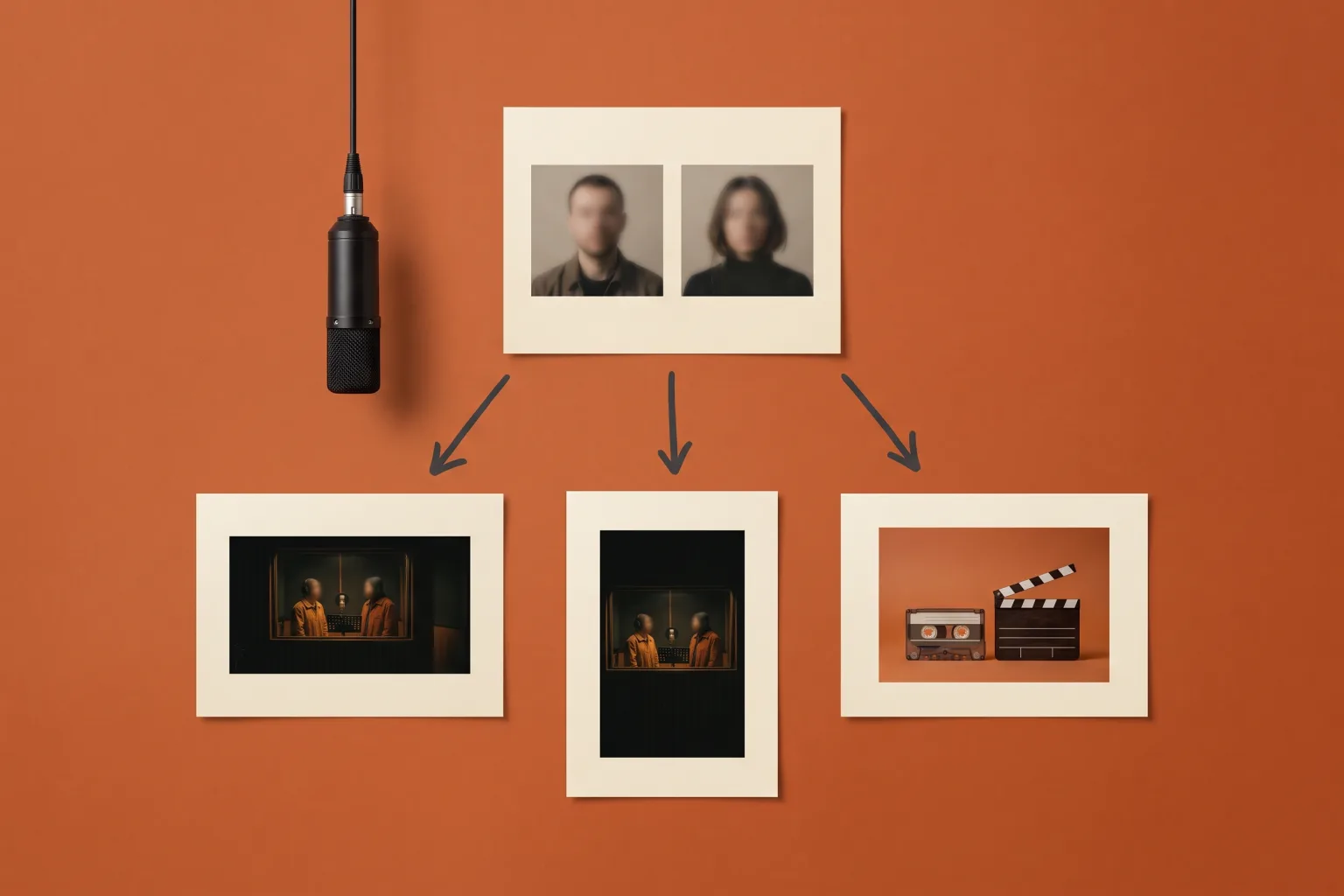
The same two photos can feed very different workflows. Pick the outcome first, then the tool that produces it. Teaching illustration.
Before you pay any of the five
- Does a watermark get burned into downloads, and is removal behind a plan?
- If a service advertises free generation, is the free output long enough, high-resolution enough, and actually downloadable for this trend?
- What happens to deducted credits when a generation fails? Ours and hotellobby.ai both state a credit refund policy; ask any service that does not.
- How long are finished files kept? hotellobby.ai holds videos for 7 days; know your download window wherever you generate.
- Which format do you need? Vertical fits TikTok, Reels, and Shorts; landscape fits feed posts. Generate in the format you will post rather than cropping afterward.
- Is a soundtrack included, is it the original recording, and do you have rights to post it? Paying for generation does not buy the music; our terms of service cover our side, and each destination platform's rules cover the rest.
- Does the billing shape match your plans? One-time packs suit a short experiment; subscriptions suit an ongoing posting schedule.
Frequently asked questions
Which is the best hotel lobby AI video generator?
There is no tested ranking we can honestly point to, including our own. On published facts, the choice is about fit: the simplest fixed-scene generation is this site or hotellobby.ai, the most scene control is Dreamina, the full 30-second performance is Mitte, and the suite-integrated option is Media.io. Match the tool to the outcome you want, using the table above.
Is there a completely free hotel lobby AI video generator?
Not among the five we checked on October 4, 2026. None of the pages we read offers a free, watermark-free video generation for this trend. Dreamina has free entry points but states no free-tier limits and reserves watermark removal for paid plans. On this site, the prompt library and templates are free to read, and generation uses credits, with the exact quote shown before you confirm. Distrust any page promising the trend "completely free" without stating its limits.
Do I need the original COLORS video as an input?
No. None of the five services asks you to upload a reference video for this trend. The scene is either pre-built, as in the fixed-scene studios, or described in a prompt, as in Dreamina's workflow. The original performance is reference material for your eyes, not a required file.
Can I use photos of my cat or dog?
Most likely, yes. hotellobby.ai states animals explicitly, our Studio accepts pet references with preparation tips in the guide, and Dreamina and Media.io both mention pets on their pages. Mitte's page does not state it either way. Animals follow the same rules as people: one subject per photo, clear features, and a result you review closely before posting.
Why is this comparison specs and prices instead of quality?
Because we have not earned a quality ranking, and neither has anyone else we could verify. Comparing output quality fairly means identical inputs across services, repeated runs, and kept failure records, and we operate one of the five, so our quality claims deserve extra scrutiny rather than less. Specs and prices are checkable today; that is what this page sticks to.
How long does a first attempt take?
Shorter than the account setup that precedes it. The fixed-scene studios quote and generate in one sitting: upload two photos, confirm the credit cost, generate, review a 10- or 15-second clip. Dreamina and Mitte both warn that generation takes time, 30 seconds of two-person video in Mitte's case, so start earlier than you think you need to.
Start with the outcome, then the tool
If the fit list above points at a fixed-scene studio and 10 seconds is enough for your post, open the Studio, upload your two photos, check the quoted credits, and generate. Read the full walkthrough first if you are deciding between 16:9 and 9:16, or browse pairing ideas if your references are still undecided. Whichever of the five you choose, watch the entire clip with sound on before you post it.