Friends
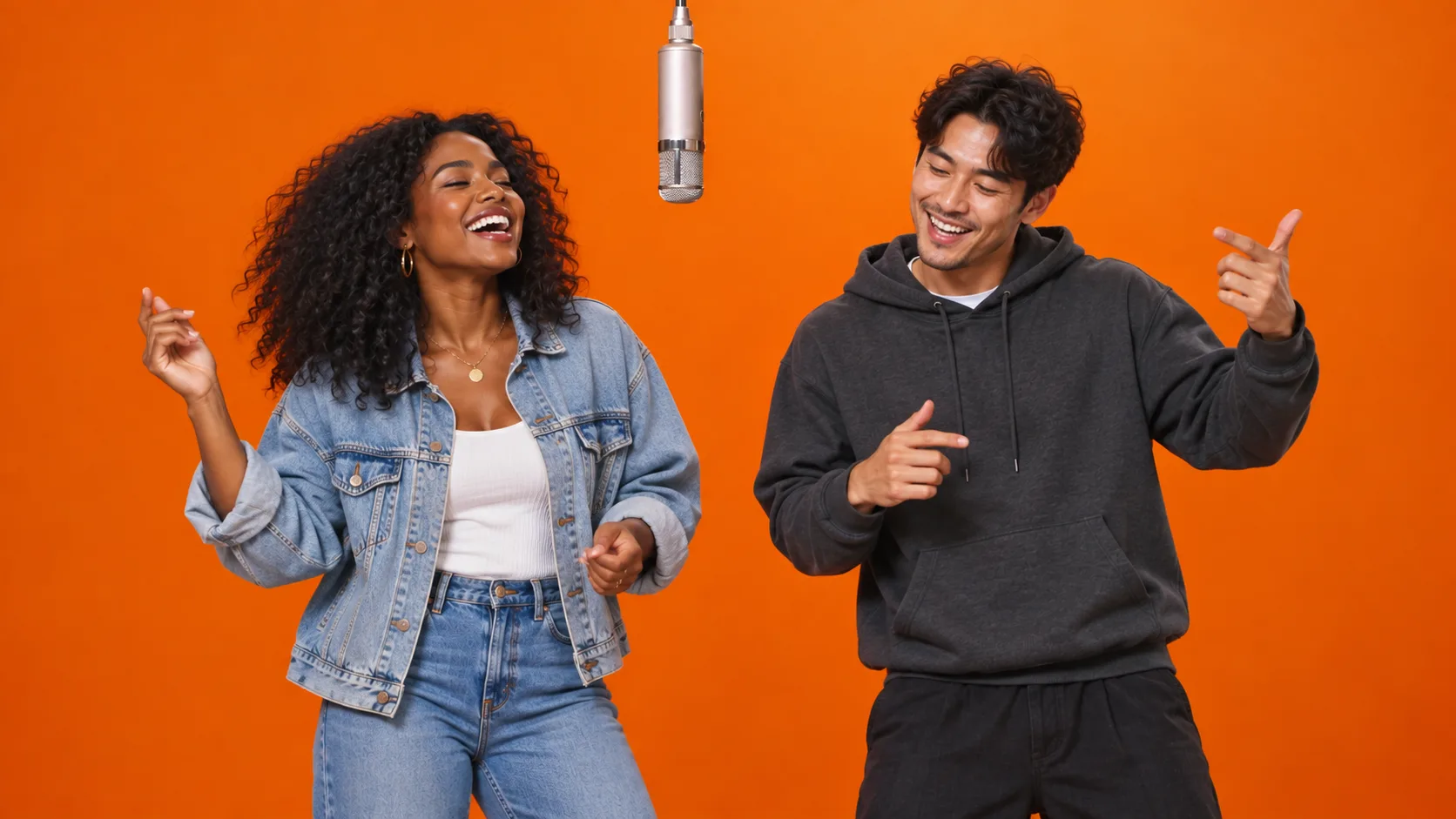
Two friends, two distinct looks, one shared microphone.
Use a clear individual photo of each friend. Decide who goes on the left and who goes on the right.
Explore duo ideas for the signature orange-booth performance. Preview the look, prepare two photos, and create your version.
Bring two photos. You’ll upload them in the generator.
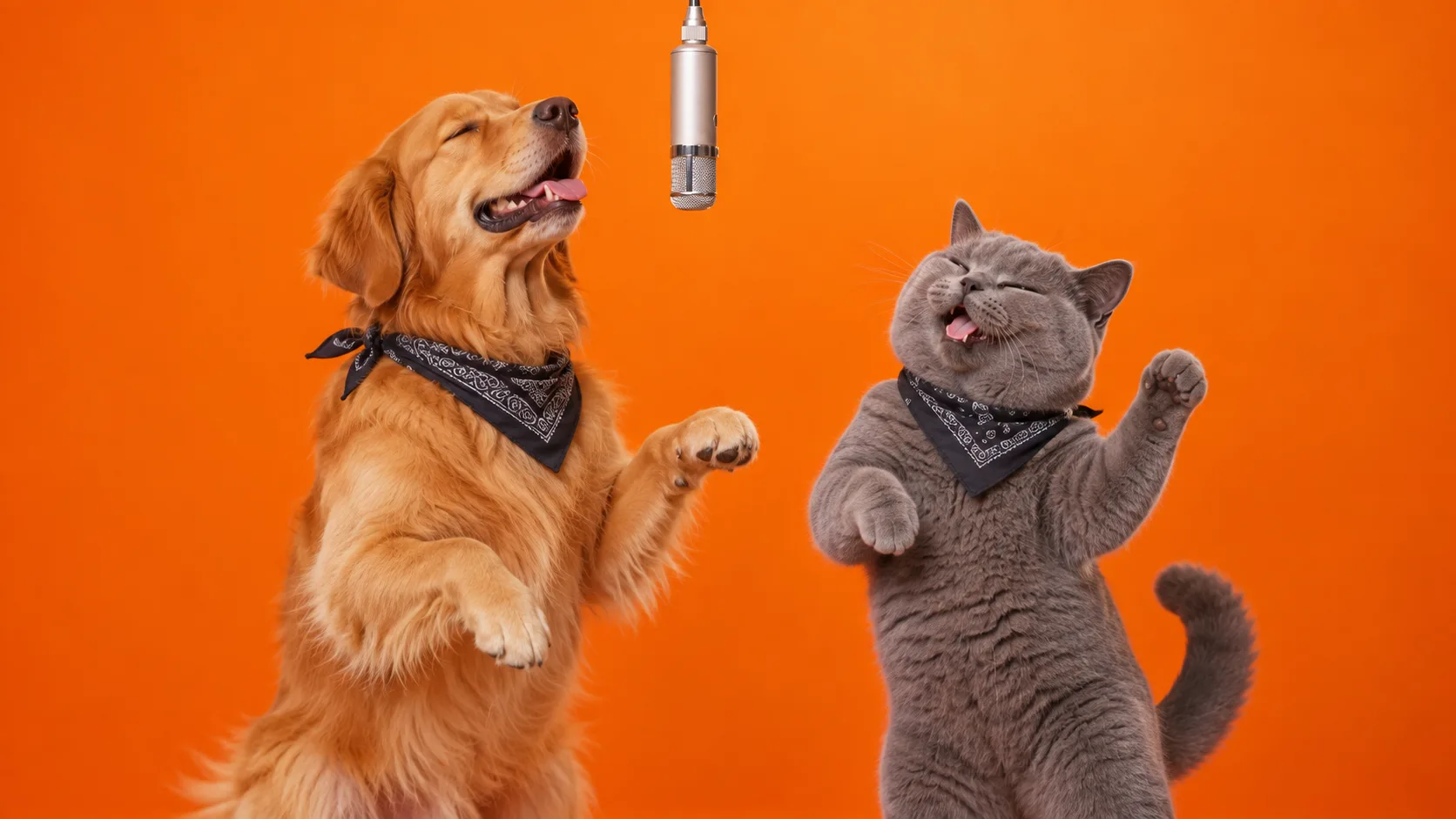
These AI-created illustrations show pairing ideas, not tested video results. Choose your subjects, then prepare one separate image for each.
Two friends, two distinct looks, one shared microphone.
Use a clear individual photo of each friend. Decide who goes on the left and who goes on the right.
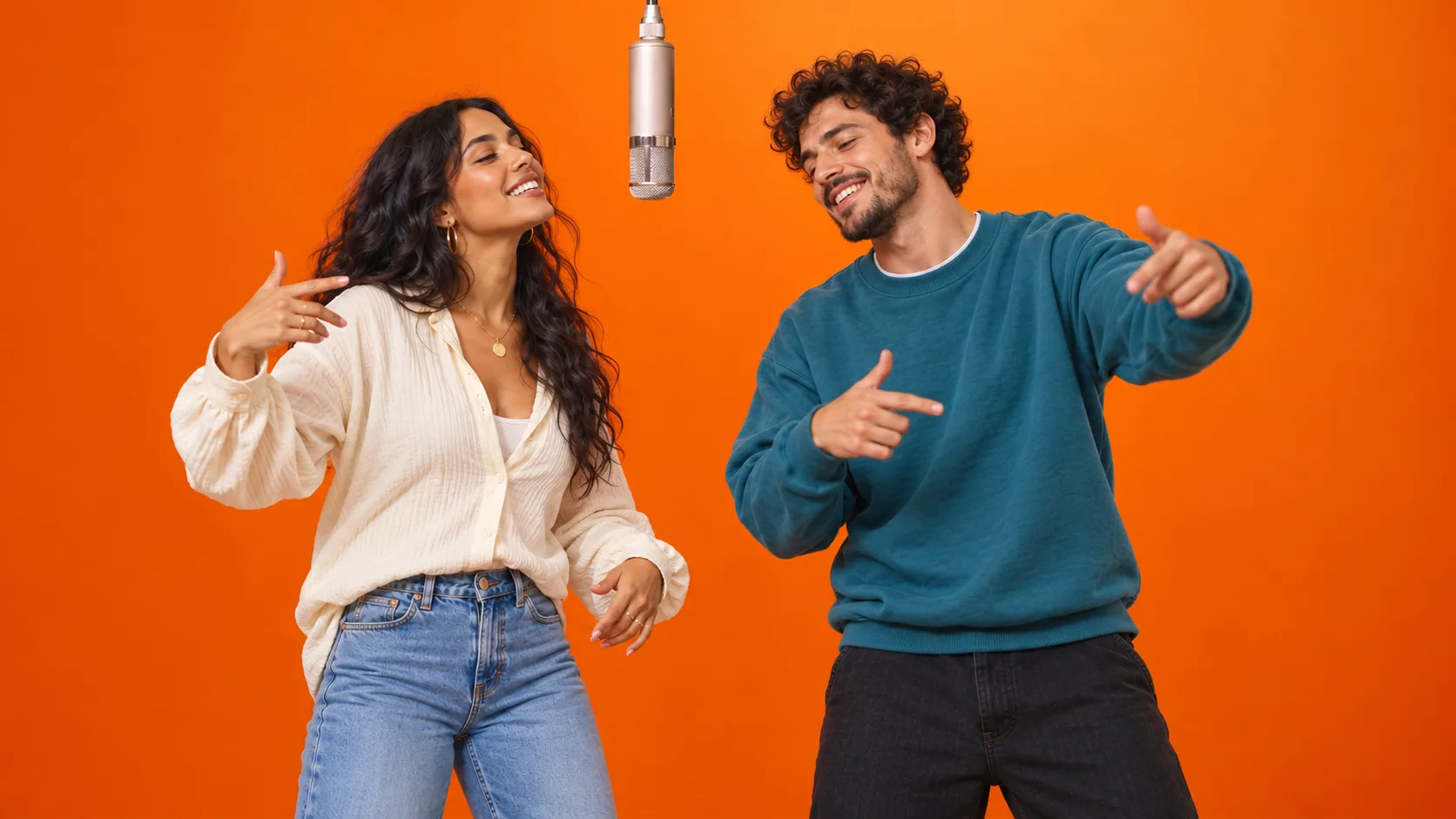
Bring your own pairing to the orange-booth performance.
Prepare two individual photos rather than uploading the same couple selfie twice. Similar lighting helps the images work together.
A golden retriever and a gray cat imagine a duet of their own.
Keep fur markings, ears and collars visible in each image. Generated paws, posture and movement can vary.
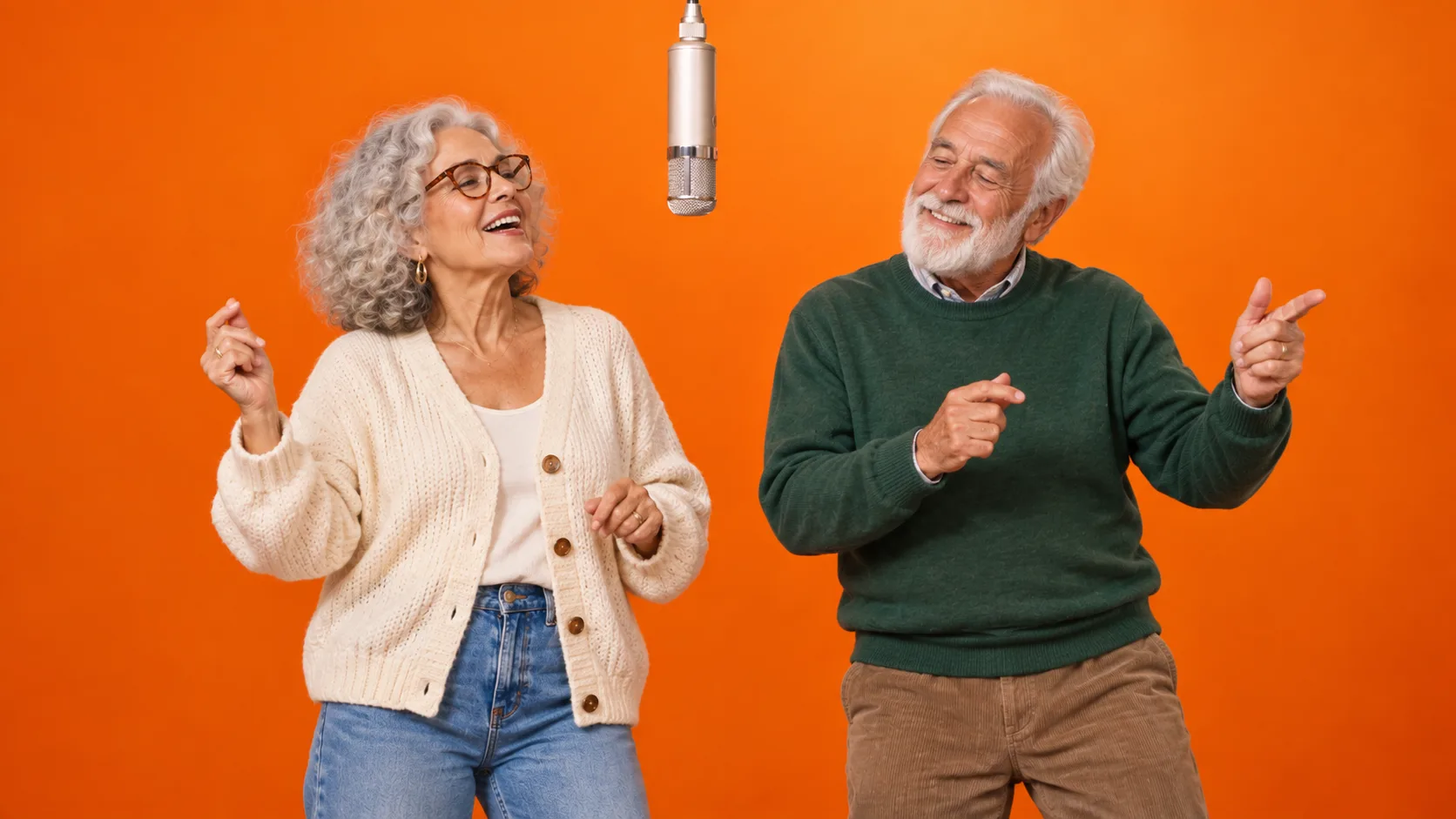
An everyday family pairing, with a little orange-booth energy.
Choose a clear individual portrait of each person. Keep glasses, hair and clothing visible, and avoid using a crowded family photo.
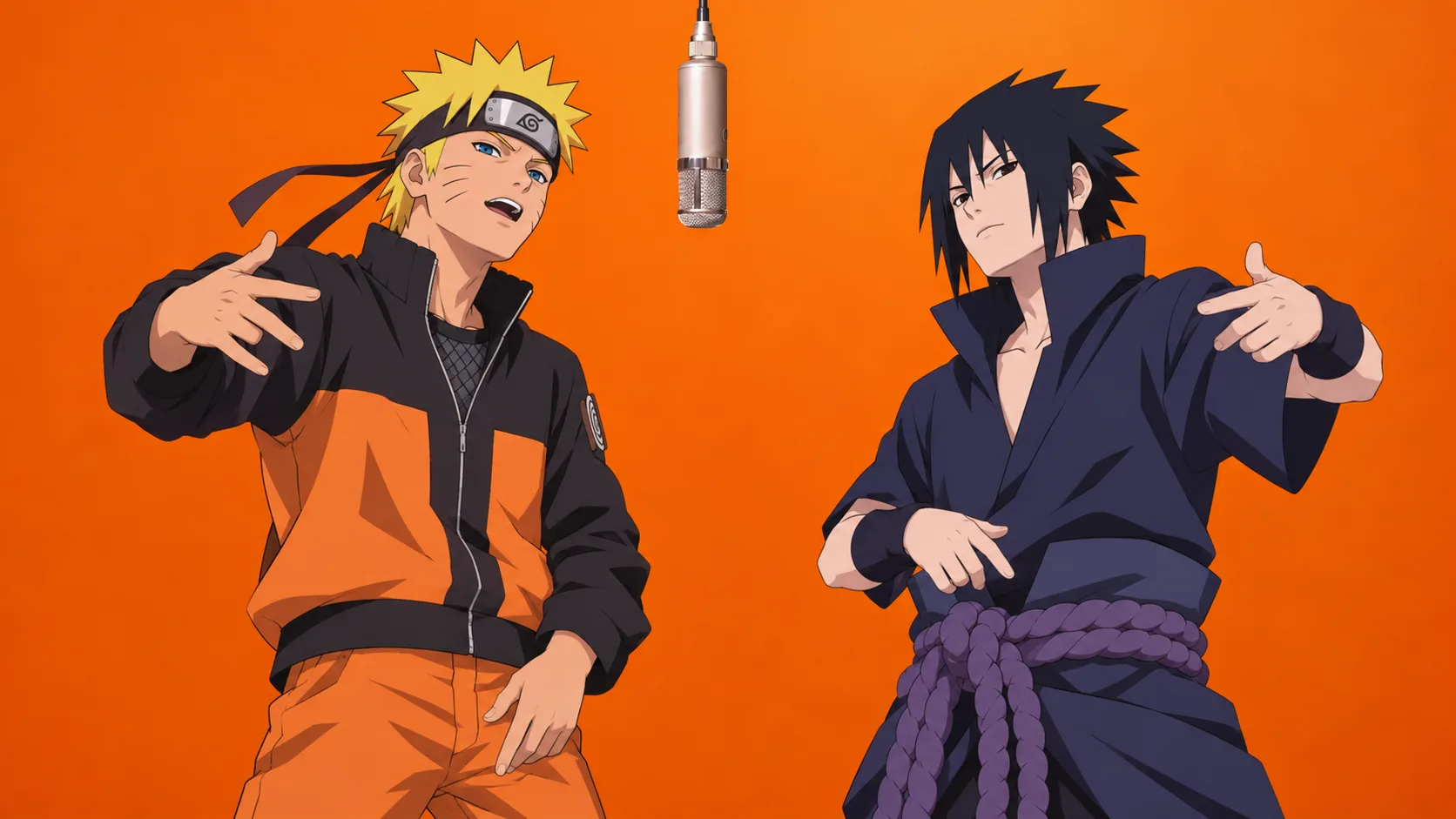
Naruto and Sasuke imagine an anime take on the duet.
Prepare one character per image in the same illustration style. Keep hair, headwear and outfit colors clear; movement and small details may change.
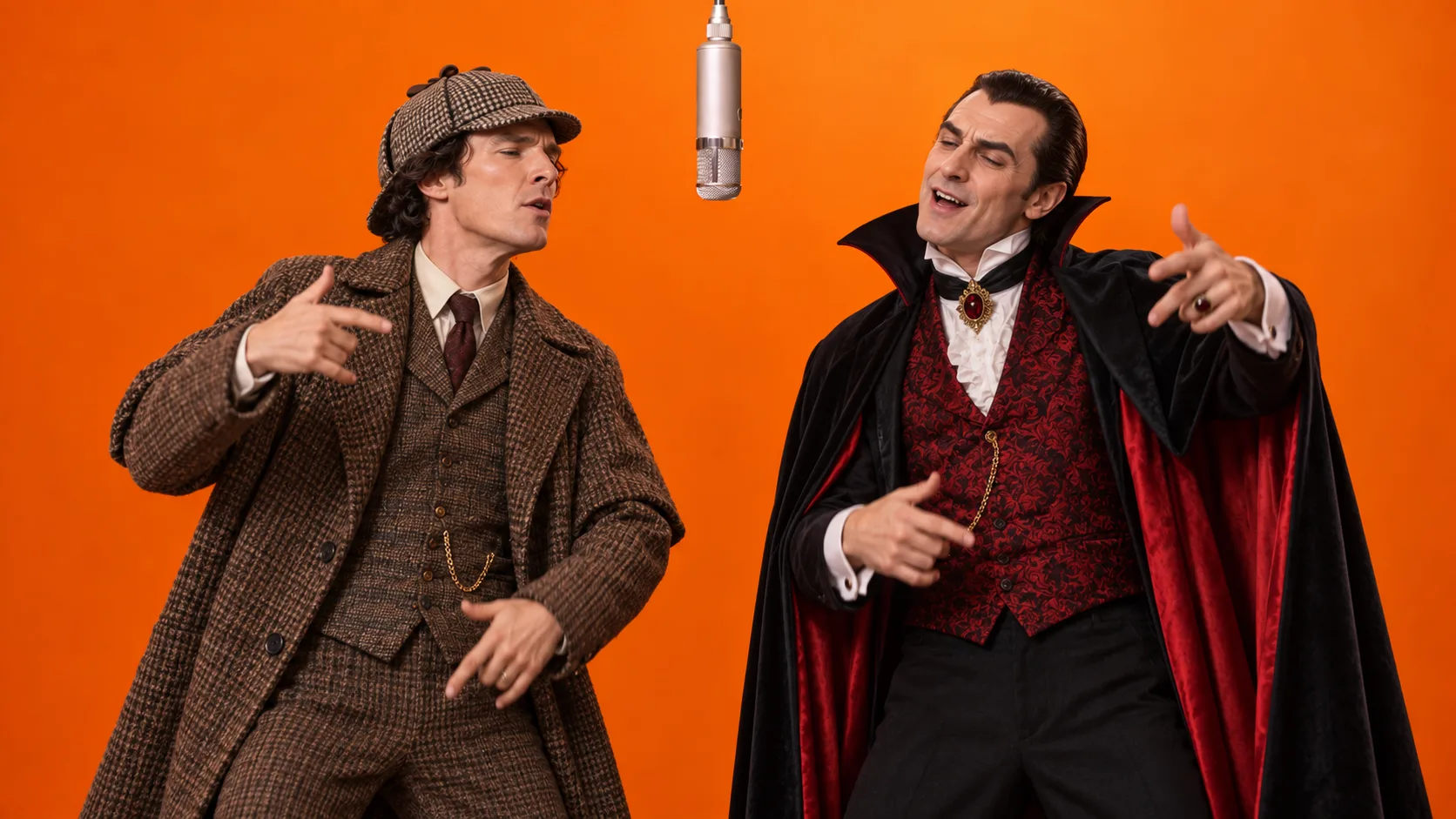
Sherlock Holmes meets Dracula in a crossover of familiar fictional worlds.
Use two separate character images with similar rendering styles. Preserve the defining silhouette and clothing in each reference.
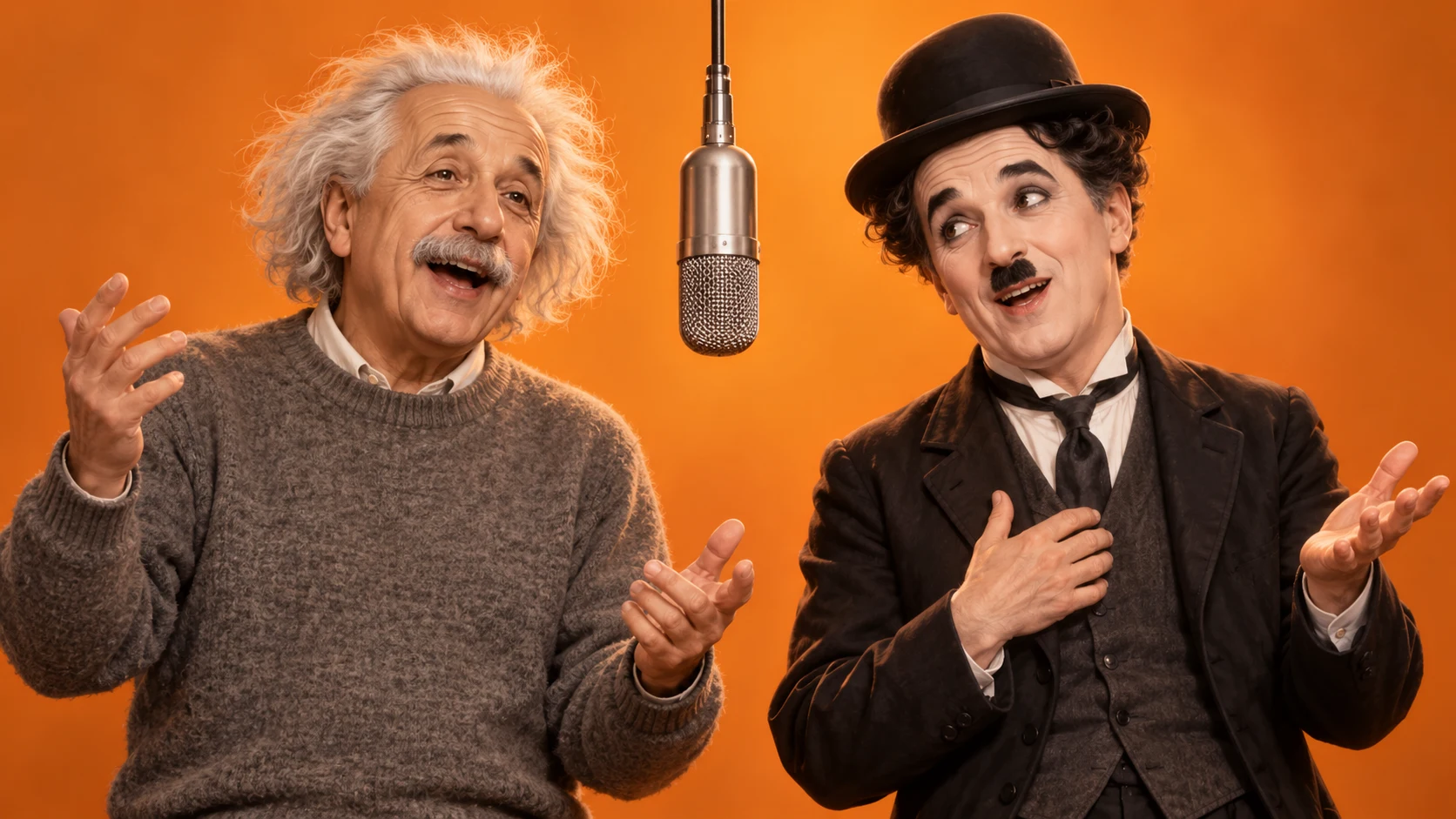
An imagined Einstein and Chaplin duet: two famous faces in an unexpected pairing.
Prepare a clear individual reference for each person. This AI illustration depicts a fictional scene, not a real performance or endorsement.
The video generator uses your uploaded images; it doesn’t create these two subject pictures for you.
Get subject image promptsBrowsing ideas is free. Video generation uses credits; review the cost in the generator before you submit. Pricing & credits
Upload images you have permission to use and check your result before sharing. A successful generation does not grant music or publishing rights.
Two separate images, each showing one subject. Upload one to the Left slot and one to the Right slot in the homepage Studio.
No. Our generator supplies the scene prompt and reference video. Bring your two subject images. The Prompts page also has recipes for external tools that accept custom video prompts.
These ideas help you choose subjects and prepare images. Every creation link opens the same homepage Studio without applying an example, transferring images or changing the scene or settings.
You can try pets or characters you have permission to use. Appearance, anatomy and movement can vary. The illustrations here are concepts, not proof of video quality or an exact match.
Browsing this page and reading the preparation tips is free, with no account needed. Video generation uses credits. Check the cost in the generator and see Pricing & credits for available packs.
This page offers pairing ideas and preparation tips, not CapCut projects or downloadable motion templates. You can download your own generated MP4 from the Studio after it finishes.
Hotel Lobby AI is an independent creator studio inspired by Quavo & Takeoff's performance on A COLORS SHOW. Not affiliated with, endorsed by, or sponsored by Quavo, Takeoff, Quality Control Music, or A COLORS SHOW.
Watch Original Performance