Hotel Lobby AI: Turn Two Portraits Into a Viral Rap Duet Video
Bring two portraits together for a rap duet in the signature burnt-orange studio with a hanging microphone.
CH-A · Left
Subject 1
Left Performer
CH-B · Right
Subject 2
Right Performer
Applications · Scene Matrix
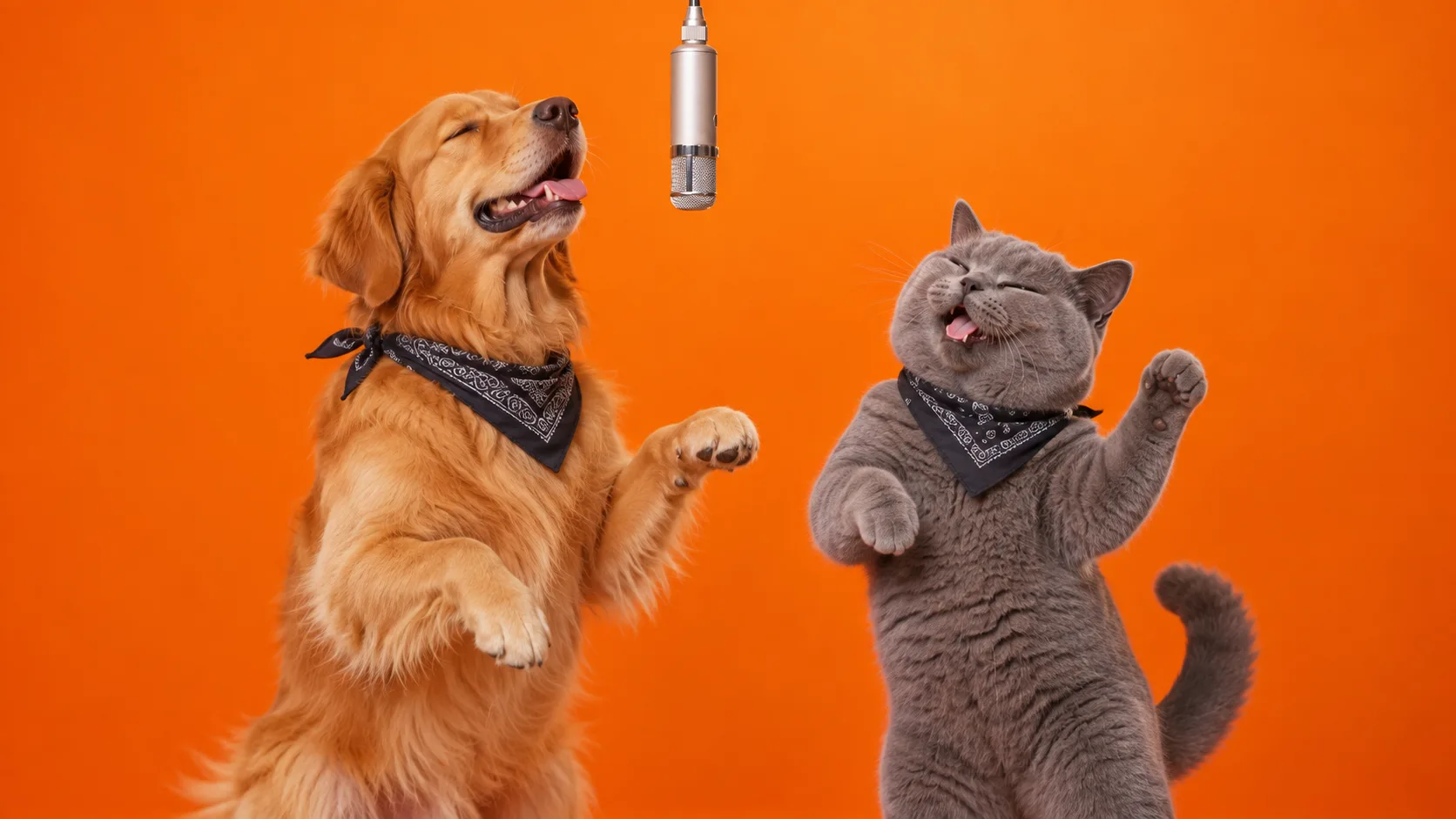
Who’s in Your Hotel Lobby Duet?
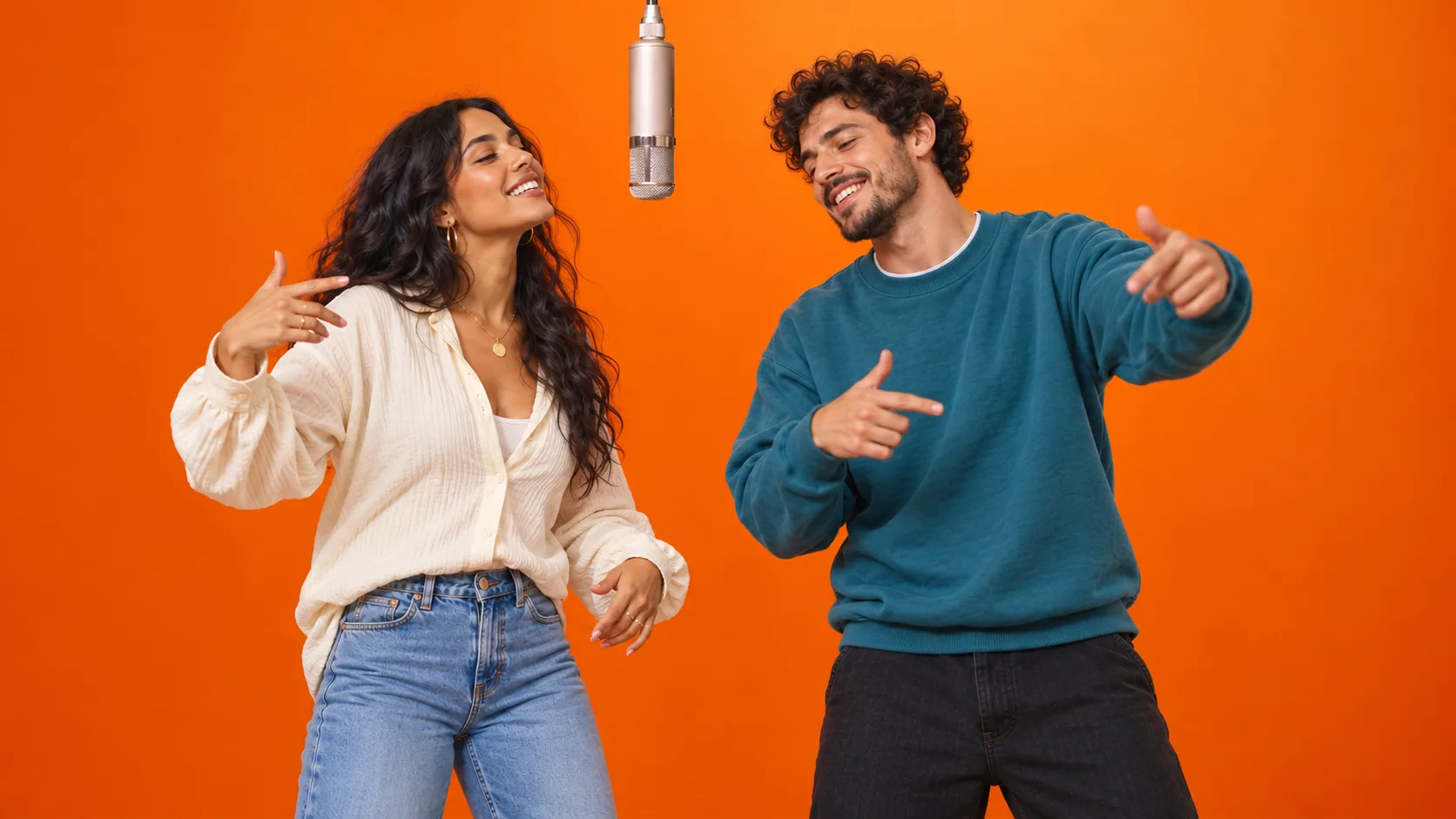
Couples
9:16 / 16:9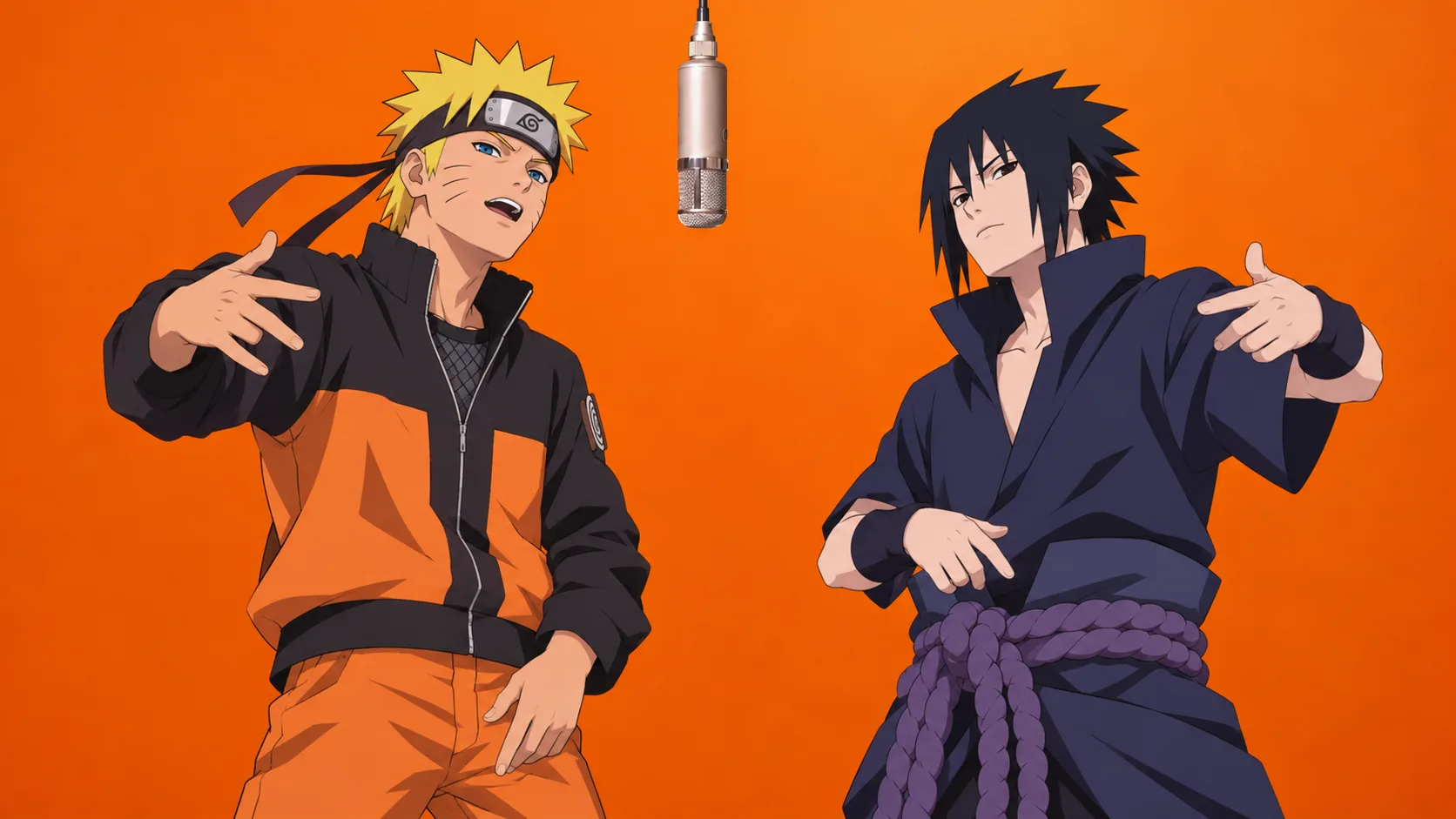
Anime Duos
9:16 / 16:9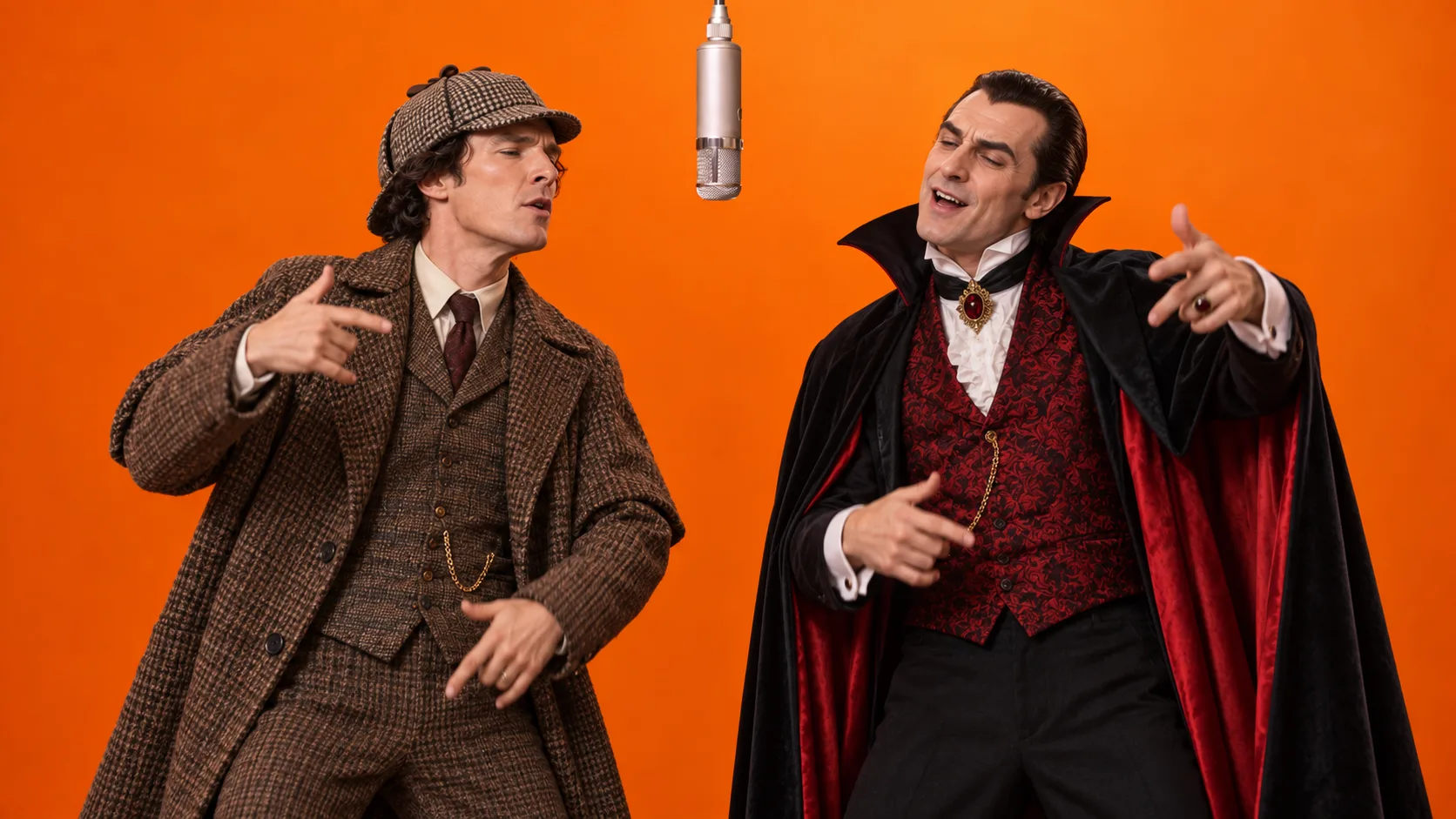
Iconic Characters
9:16 / 16:9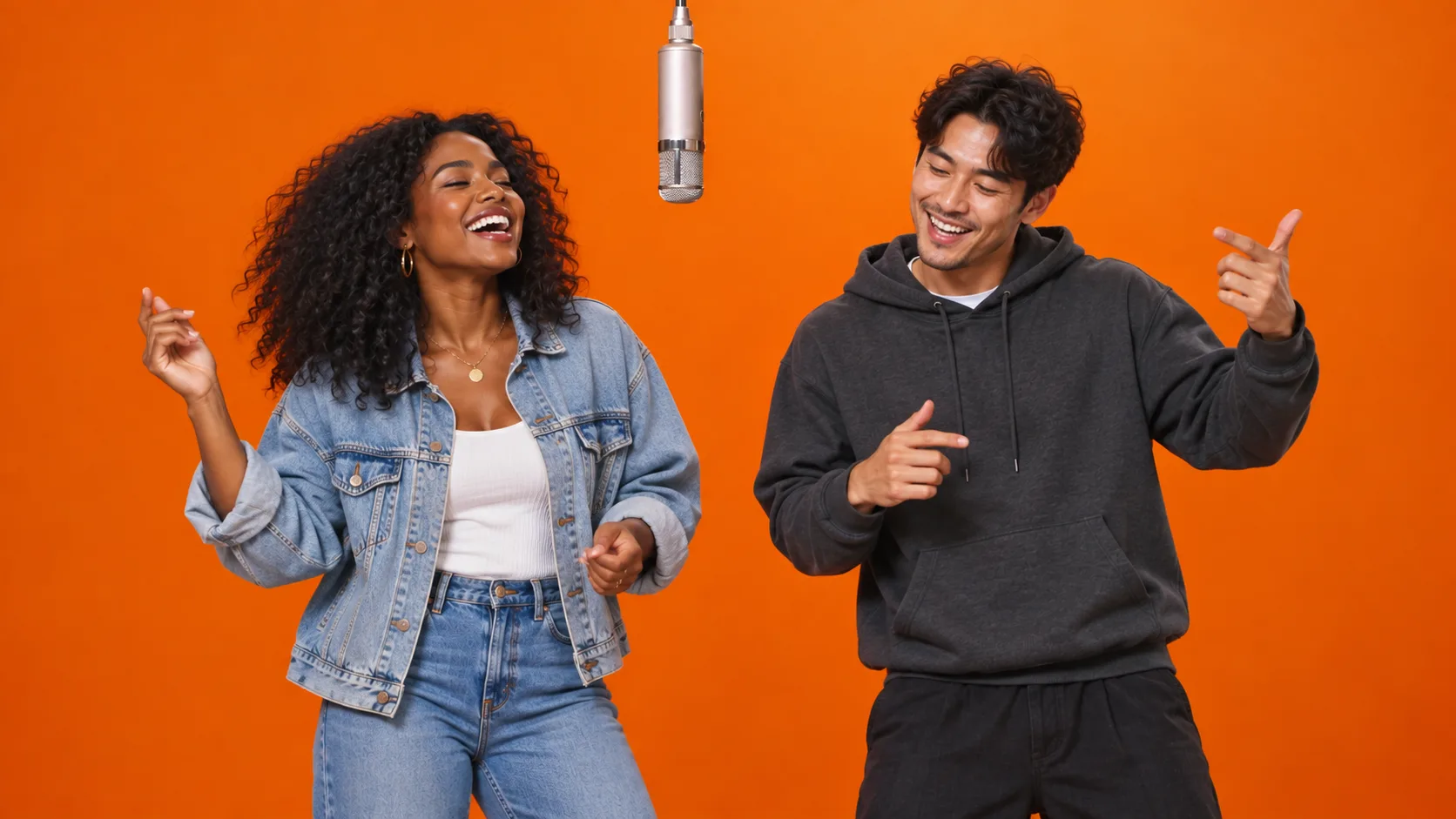
Best Friends
9:16 / 16:9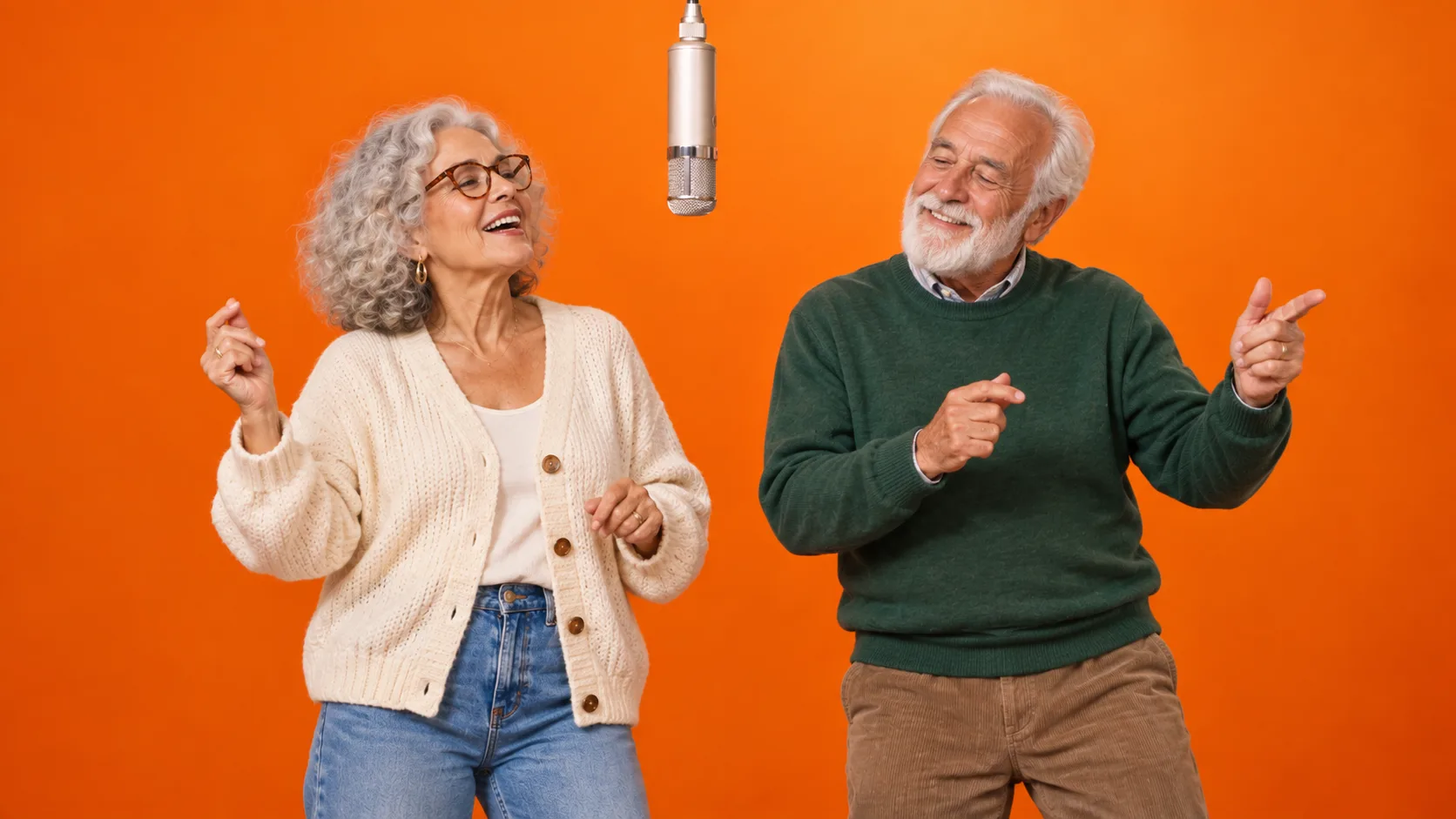
Grandparents & Family
9:16 / 16:9Cultural Context & Origin
The Architecture Behind the Hotel Lobby Trend
In June 2022, hip-hop icons Quavo and Takeoff (Migos) stepped into the music platform A COLORS SHOW to perform their hit track "HOTEL LOBBY". The performance established an instant classic: electric chemistry inside a minimalist, monochrome burnt-orange studio with a single condenser microphone hanging from the ceiling.
Creators worldwide transformed this visual staging into a viral format, pairing unlikely and hilarious duos in the booth: friends, grandparents, pets, anime icons, and pop figures.
Hotel Lobby AI uses two reference photos and a prepared scene prompt to request a duet in this setting. Choose a model, resolution and either 9:16 portrait or 16:9 landscape, then preview the generated result.
Two reference photo uploads
Left and right performer inputs
9:16 portrait or 16:9 landscape output
HOTEL LOBBY music included by default
COLORS Studio StagingAcoustic Spec
Burnt Orange Performance Booth
Visual details requested by the scene preset
Center-Hung Condenser Mic
Suspended dead-center between performers to anchor the visual composition along the vertical duet axis.
Monochrome Ochre Horizon
Seamless floor-to-wall studio cyclorama saturated in signature burnt orange with diffuse soft key lights.
Performance Motion
The prompt requests rhythmic gestures and movement. The generated performance and facial details can vary.
INPUT SPEC: Frontal portrait photos with balanced illumination yield highest facial retention.
Why Create with Hotel Lobby AI?
Bring your own duo to the Hotel Lobby scene, with the setting and music already handled.
Skip the Scene Setup
The orange recording booth and hanging microphone are built into the preset. Start with your photos instead of writing a scene prompt from scratch.
Bring Your Own Duo
You and a friend, a couple, or your pets: use two reference photos to put your own pairing at the center of a Hotel Lobby performance.
Download with the Music Included
Preview and download your generated clip with music from Quavo & Takeoff's HOTEL LOBBY performance on A COLORS SHOW. No separate music-pairing step is needed.
Features
Inside the Hotel Lobby AI Studio
Set your performer references, model, resolution and video format before you generate.
Left & Right References
Assign a photo to each performer and swap the inputs before generating. The references guide appearance and position, but results can vary.
Model & Resolution Choices
Choose Basic or Premium and a supported resolution. The studio shows the credit cost before you generate.
Portrait & Landscape Video
Choose 9:16 portrait or 16:9 landscape before generating, then preview and download your duet.
Orange-Booth Scene
The preset requests an orange recording booth with a hanging microphone between two performers, inspired by the Hotel Lobby performance.
Create Your Duet in Three Steps
Start with two reference photos. The scene prompt is already supplied.
01
Upload Two Photos
Select one clear portrait for Subject 1 (Left) and one for Subject 2 (Right). Hit the ⇄ Swap button anytime to invert sides.
02
Choose Model & Resolution
Choose Basic or Premium, then select a resolution and either 9:16 portrait or 16:9 landscape. Every video is 10 seconds, and the generator shows your credit cost before you start.
03
Review & Download
When generation finishes, preview and download your clip. Quavo & Takeoff's HOTEL LOBBY music is included by default.
Compare Hotel Lobby Duet Workflows
Use a focused studio, build a custom AI workflow, or edit footage yourself. The main difference is how much of the setup you want to handle.
| Workflow | Hotel Lobby AI | General AI video tools | ComfyUI workflows | Filming & video editing |
|---|---|---|---|---|
| Starting material | Upload two reference photos, one for each performer. | Provide a prompt and any references supported by the selected tool. | Choose a workflow and supply the inputs its models require. | Record footage or bring existing clips into an editor. |
| Scene setup | The orange booth and hanging microphone are included in the preset. | Describe the scene or use reference material to guide it. | Configure prompts, references, and nodes for the scene you want. | Arrange a recording space or assemble the scene in post-production. |
| Creative controls | Assign the left and right references, then choose a model, resolution and aspect ratio. | Controls depend on the tool and model you choose. | Customize the workflow, models, and generation settings. | Direct the performance and edit the timing, composition, and sound. |
| Output format | Choose 9:16 portrait or 16:9 landscape; resolution depends on your selection. | Available aspect ratios and resolutions depend on the model. | Set dimensions supported by the selected workflow and model. | Choose the project dimensions and export settings in your editor. |
| Review & finishing | Preview and download the generated clip with music from Quavo & Takeoff's HOTEL LOBBY performance on A COLORS SHOW. | Review the output and adjust references, prompts, or edits as needed. | Review the output and adjust the workflow or finish it in an editor. | Review the cut and refine the performance, sound, and export. |
This compares workflows, not measured output quality or speed. AI results depend on the model and references; no method guarantees a particular result.
Frequently Asked Questions
Inputs, output format, credits, and finishing your duet.
What is Hotel Lobby AI?
Hotel Lobby AI creates duet videos from two reference photos using an orange-booth scene preset inspired by the HOTEL LOBBY performance on A COLORS SHOW. Choose 9:16 portrait or 16:9 landscape.
How does credit pricing work?
Every video is 10 seconds. Basic costs 80 credits at 768P or 130 at 2K. Premium costs 170 at 480P, 380 at 720P, or 950 at 1080P. One-time packs start at $19.90 for 400 credits. Purchased credits never expire, and confirmed failed generations automatically return their credits.
What kind of photos work best for the Left and Right performers?
Use clear portraits or upper-body images with visible features and even lighting. Avoid heavy blur or obstruction. The result depends on the references and selected model.
How are the left and right performers assigned?
Upload one reference for each side. The scene prompt requests the first performer on the left and the second on the right. This guides the model; it does not guarantee fixed positions or exact likeness throughout the clip.
Does the generated video include background music?
Yes. Generated videos include music from HOTEL LOBBY (Unc & Phew) by Quavo & Takeoff, using the A COLORS SHOW performance. That audio is included in the downloaded MP4 by default.
What AI video technology powers this tool?
The studio submits your two photos and a prepared scene prompt to the selected AI video model. You can choose Basic or Premium and a supported resolution. Generation usually takes a few minutes; timing and output quality vary.
How does this differ from a general AI video tool or ComfyUI?
Hotel Lobby AI packages the two-photo inputs and orange-booth scene into a focused workflow. General AI tools and ComfyUI can also be used for duet videos, with controls depending on the selected tool, model, and workflow.
Can I post generated videos on TikTok, Instagram Reels, and YouTube Shorts?
Choose 9:16 portrait for a vertical post or 16:9 landscape for a horizontal clip. The downloaded MP4 includes Quavo & Takeoff's HOTEL LOBBY music by default.
What happens if a generation fails or times out?
Tasks confirmed as failed return their deducted credits. A pending or processing task is still unresolved. A completed video that differs from your expectations is not the same as a failed task.
Studio Access
Step Inside the Burnt Orange Studio
Upload two reference photos, choose a model, resolution and aspect ratio, and create a duet in an orange recording booth.